
// Filters guide
How to create social media image filters for AI content workflows
A guide to using fast image filters for social posts, thumbnails, carousel frames, and repeatable AI-assisted creative workflows.
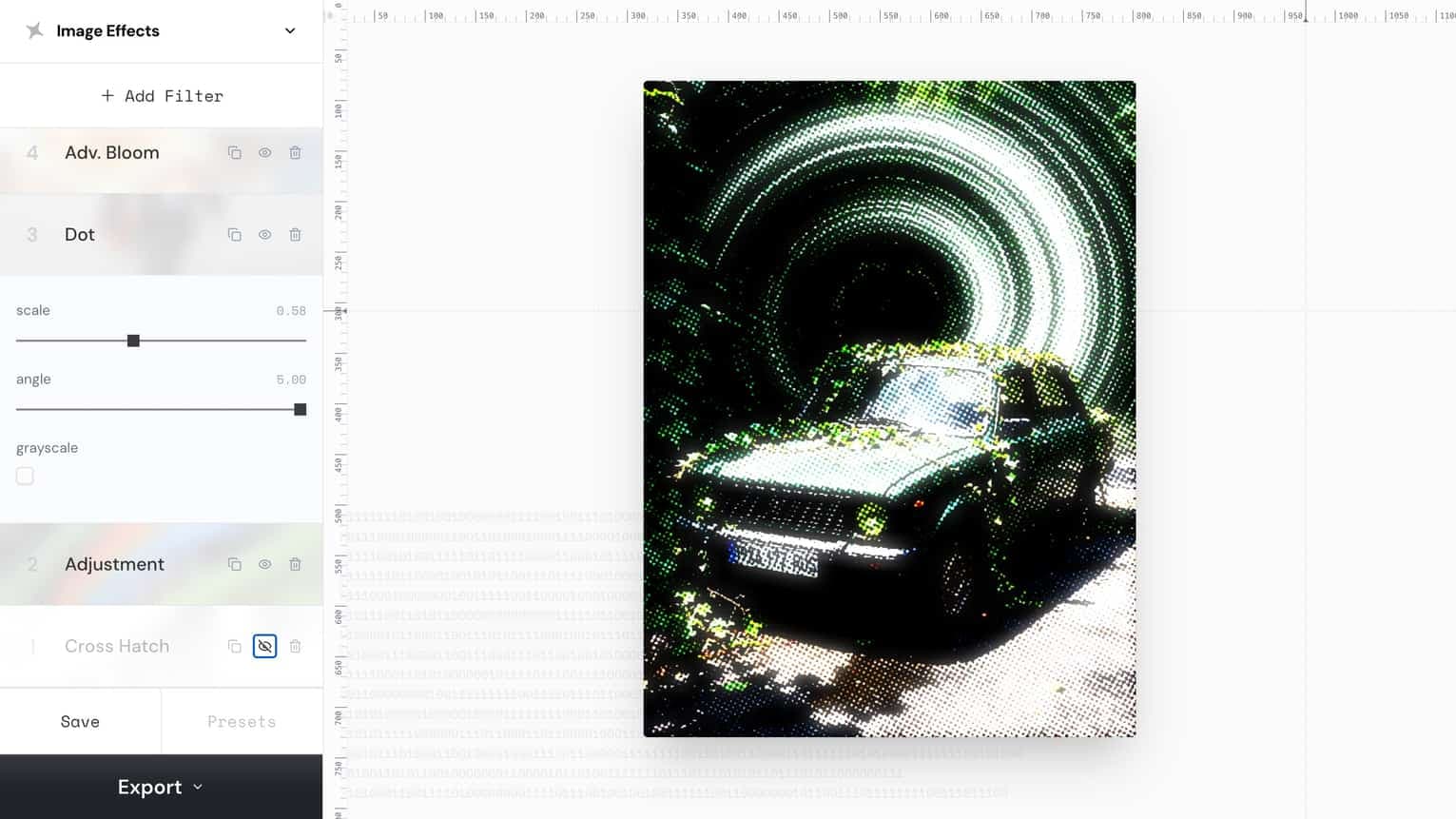
social media image filters
이 문구를 실전 크리에이티브 워크플로우의 목표로 활용하세요.
AI image filter workflow
이 문구를 실전 크리에이티브 워크플로우의 목표로 활용하세요.
thumbnail filter
이 문구를 실전 크리에이티브 워크플로우의 목표로 활용하세요.
// 워크플로우
만드는 방법
이 단계들은 사람과 재현 가능한 크리에이티브 워크플로우가 필요한 코딩 에이전트 모두를 위해 작성되었습니다.
1. Choose a source image that already communicates the subject clearly.
Choose a source image that already communicates the subject clearly.
2. Apply one strong filter direction instead of stacking many unrelated effects.
Apply one strong filter direction instead of stacking many unrelated effects.
3. Check legibility at thumbnail size
Check legibility at thumbnail size, especially if the filtered image will sit behind text.
4. Save the effect settings as a reusable direction for future campaign assets.
Save the effect settings as a reusable direction for future campaign assets.
// 효과적인 이유
비주얼 전략
A consistent filter turns a set of unrelated visuals into a recognizable campaign system, which helps social posts feel intentional and easier to scan.
// FAQ
Filters FAQ
Should every social image use the same filter?
Use the same visual direction within a campaign, but adjust intensity per image so faces, products, and text remain readable.
Can filters help with AI-generated images?
Yes. A shared filter treatment can make AI-generated and real images feel more cohesive inside the same carousel or video.