
// ASCII Generator guide
How to create an ASCII style image with AI-ready exports
A practical guide to turning photos, screenshots, and video frames into ASCII style images for social posts, thumbnails, and AI content workflows.
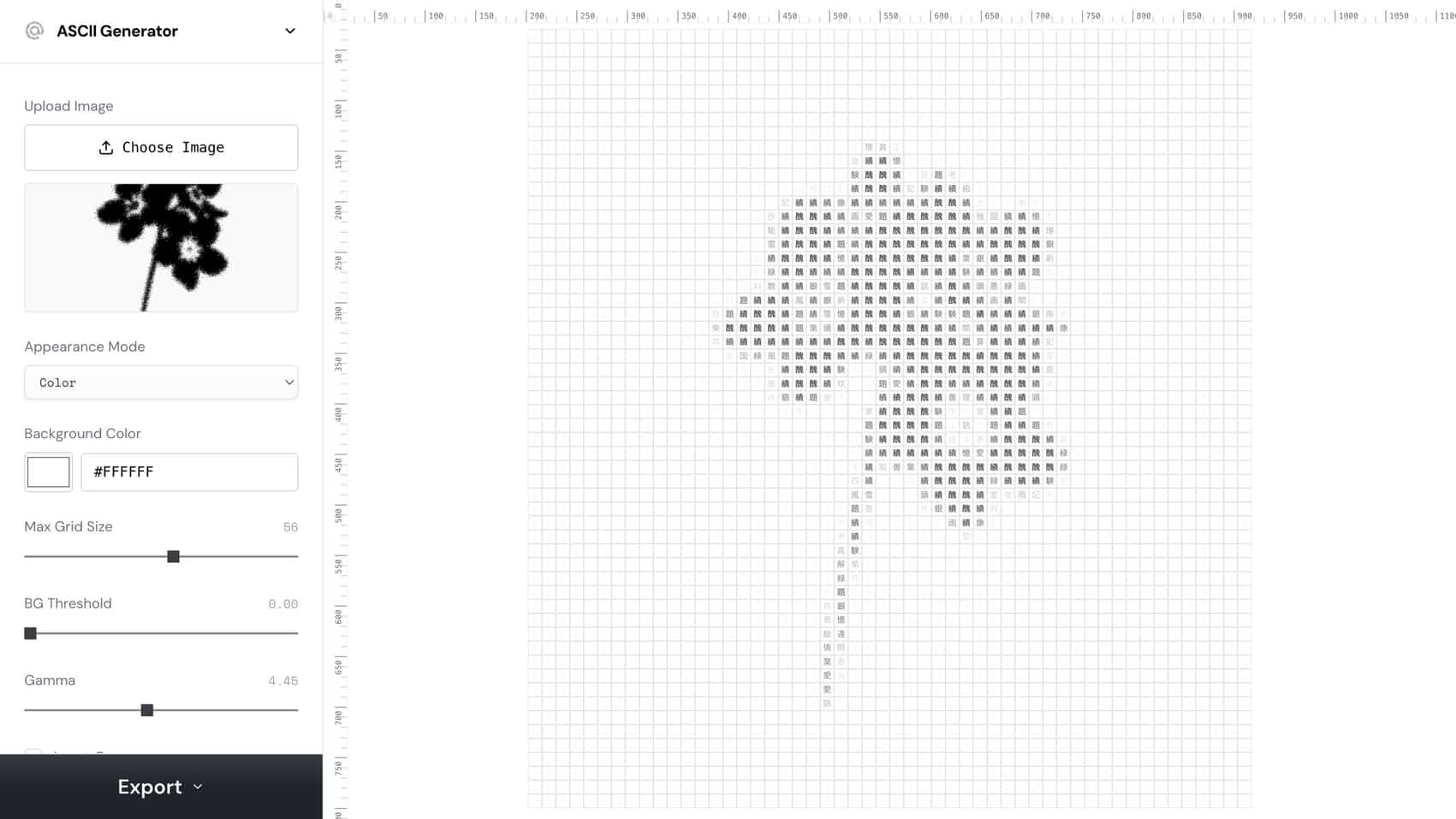
how to create ascii style image
把这个短语当作一个实用的创作工作流目标。
ASCII image generator
把这个短语当作一个实用的创作工作流目标。
AI ASCII art
把这个短语当作一个实用的创作工作流目标。
// 工作流
如何制作
这些步骤既写给人类,也写给需要可复现创作工作流的编程智能体。
1. Start with a high-contrast image where the subject is easy to read at small sizes.
Start with a high-contrast image where the subject is easy to read at small sizes.
2. Use the ASCII Generator to project the image into characters
Use the ASCII Generator to project the image into characters, then tune grid size, contrast, invert, and font weight.
3. Export SVG when you need editable artwork
Export SVG when you need editable artwork, PNG when you need a fast social-ready image, and video when the source is motion.
4. For AI workflows
For AI workflows, save the source, settings, and output so an agent can reproduce the same ASCII style later.
// 为什么有效
视觉策略
ASCII styling creates immediate pattern interruption because it turns a familiar image into a coded texture. It works best when the underlying silhouette is still clear.
// 常见问题
ASCII Generator常见问题
What images work best for ASCII style?
Use images with a clear subject, strong contrast, and simple background. Busy low-contrast images tend to become muddy once converted into characters.
Should I export ASCII as SVG or PNG?
Use SVG for editable design systems and PNG for quick posting, thumbnails, carousels, or social video overlays.