
// Dots Editor guide
How to create a halftone or dot-grid style image
A guide to making halftone, dot-grid, and connected blob images for social graphics, thumbnails, poster frames, and AI-generated visual systems.
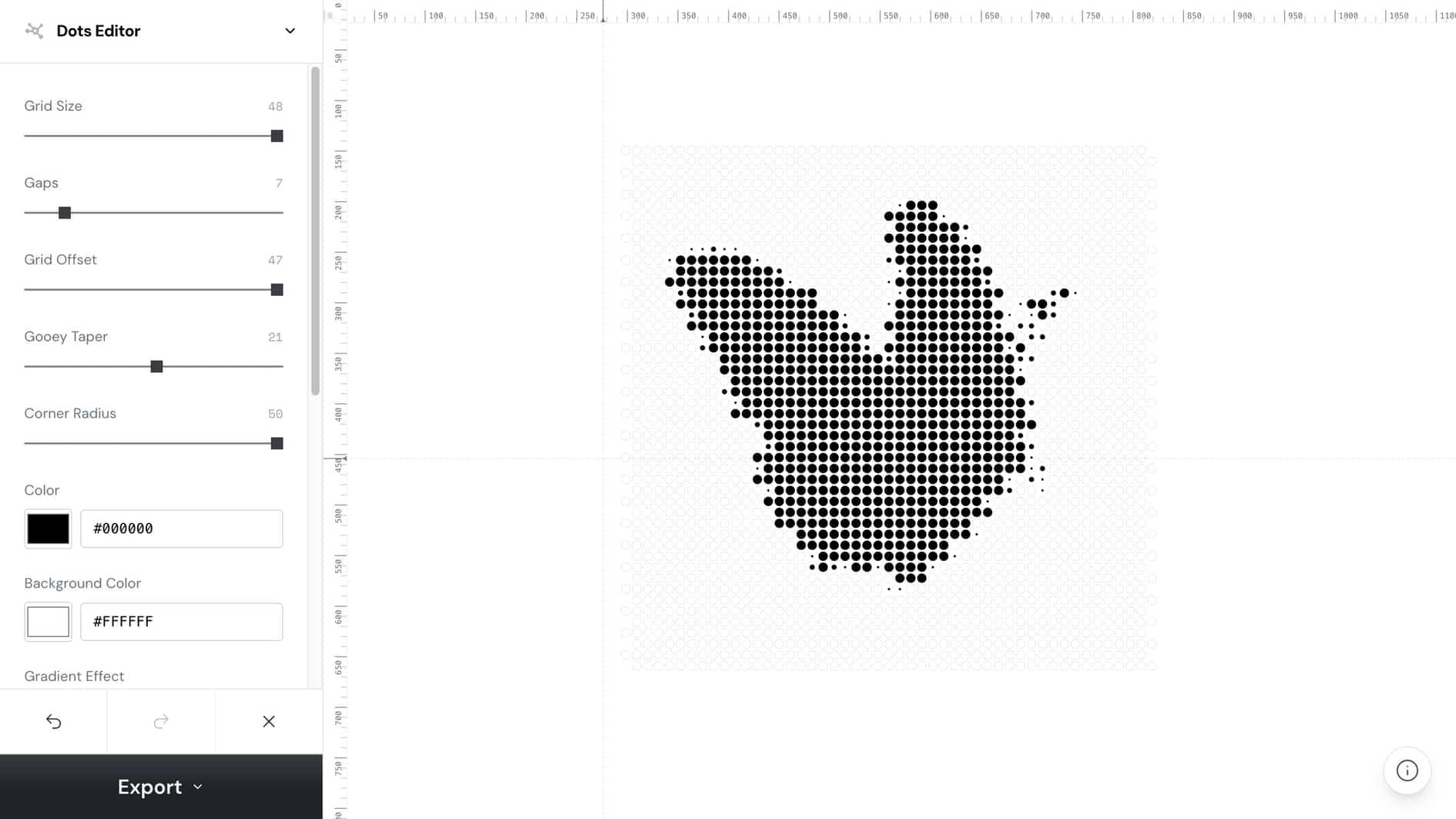
how to create halftone style image
Use this phrase as a practical creative workflow target.
dot grid image generator
Use this phrase as a practical creative workflow target.
halftone image effect
Use this phrase as a practical creative workflow target.
// Workflow
How to create it
These steps are written for humans and for coding agents that need a reproducible creative workflow.
1. Choose a source image with a strong focal point and recognizable light-dark structure.
Choose a source image with a strong focal point and recognizable light-dark structure.
2. Project the image into dots
Project the image into dots, then tune dot size, grid density, contrast, and gradient treatment.
3. Use blob connections when you want a softer organic look; keep isolated dots for a sharper editorial halftone.
Use blob connections when you want a softer organic look; keep isolated dots for a sharper editorial halftone.
4. Export SVG for scalable design assets or PNG for social posts and carousel slides.
Export SVG for scalable design assets or PNG for social posts and carousel slides.
// Why it works
The visual strategy
Halftone and dot-grid visuals compress detail into an instantly readable graphic pattern, which makes ordinary screenshots or product photos feel more designed.
// FAQ
Dots Editor FAQ
Is dot-grid style the same as halftone?
They overlap. Halftone usually simulates tone through dot density or size, while dot-grid and blob styles can be more graphic and stylized.
What makes a halftone image look professional?
Use stable spacing, clear contrast, restrained colors, and enough resolution that the subject stays legible after export.